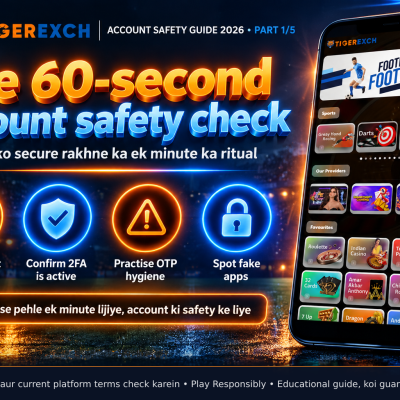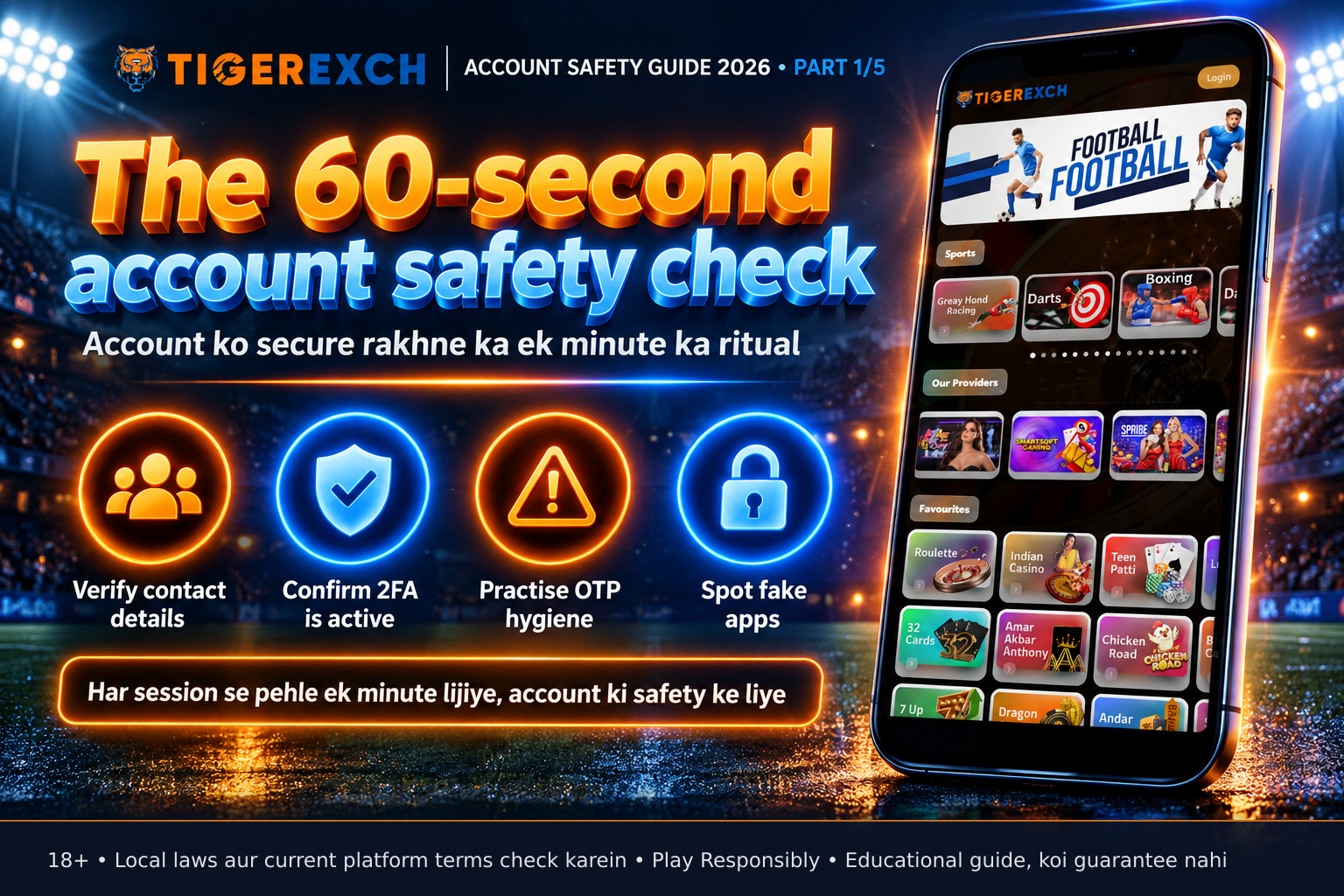
Quick answer: A 60-second account safety check helps players verify their Tigerexch247 account security before each session by confirming the registered email/phone, ensuring 2FA is active, practising OTP hygiene, and checking for fake apps. This routine reduces the risk of unauthorised access and protects personal and financial details. It is not a guarantee of safety but a practical step based on platform mechanisms.
Key takeaways
- Verify your registered email and phone number in account settings before playing
- Confirm two-factor authentication (2FA) is enabled and working with your authenticator app
- Never share OTPs or PINs with anyone, including someone claiming to be support
- Download the Tigerexch247 app only from the official website or verified app stores
- Treat the 60-second check as a habit, not a one-time task
Opening scene
Raat ke 10:30 baje hain, aapne apna smartphone uthaya aur Tigerexch247 app open karne ko tayyar hain. Lekin wait — kya aapne bas ek minute liya apne account ki safety check karne ke liye? Yeh chhoti si pause aapke account ko unauthorized access se bacha sakti hai, especially when festive seasons like Sharad Navratri increase online activity and scam attempts. Is guide mein hum samjhenge ki ye 60-second check kya hai, kyun zaroori hai, aur kaise aap isse apni routine mein shaamil kar sakte hain — koi shortcuts, koi sure-shot formulas nahi, bas mekanism ki samajh.
What it is and why it matters
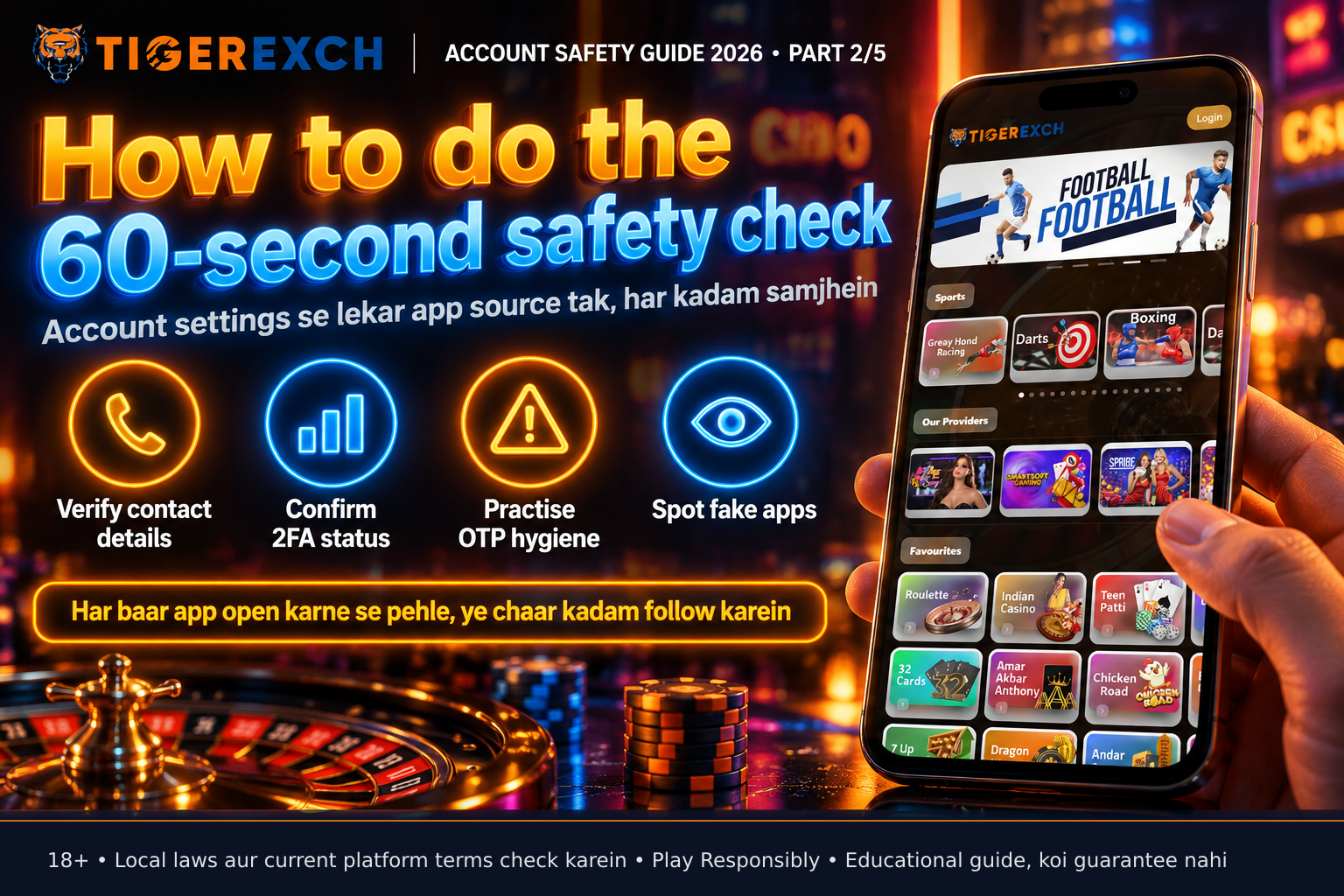
The 60-second account safety check is a pre-session routine focused on four pillars: verifying registered contact details, confirming 2FA status, practising OTP hygiene, and validating app authenticity. These steps address common attack vectors like SIM swaps, phishing, and fake app downloads that aim to steal login credentials or intercept one-time passwords. By checking these elements before playing, aap apne account ko unauthorized transactions se bacha sakte hain. Yeh koi foolproof solution nahi hai — security ek ongoing process hai — lekin yeh check aapko basic vulnerabilities ke baarein mein aware rakhta hai. Platforms like Tigerexch247 provide tools for these checks; aapki zimmedari hai unka sahi se istemal karna. Remember: 18+, play responsibly, and always check current platform terms and local laws.
The 60-second account safety check: core steps
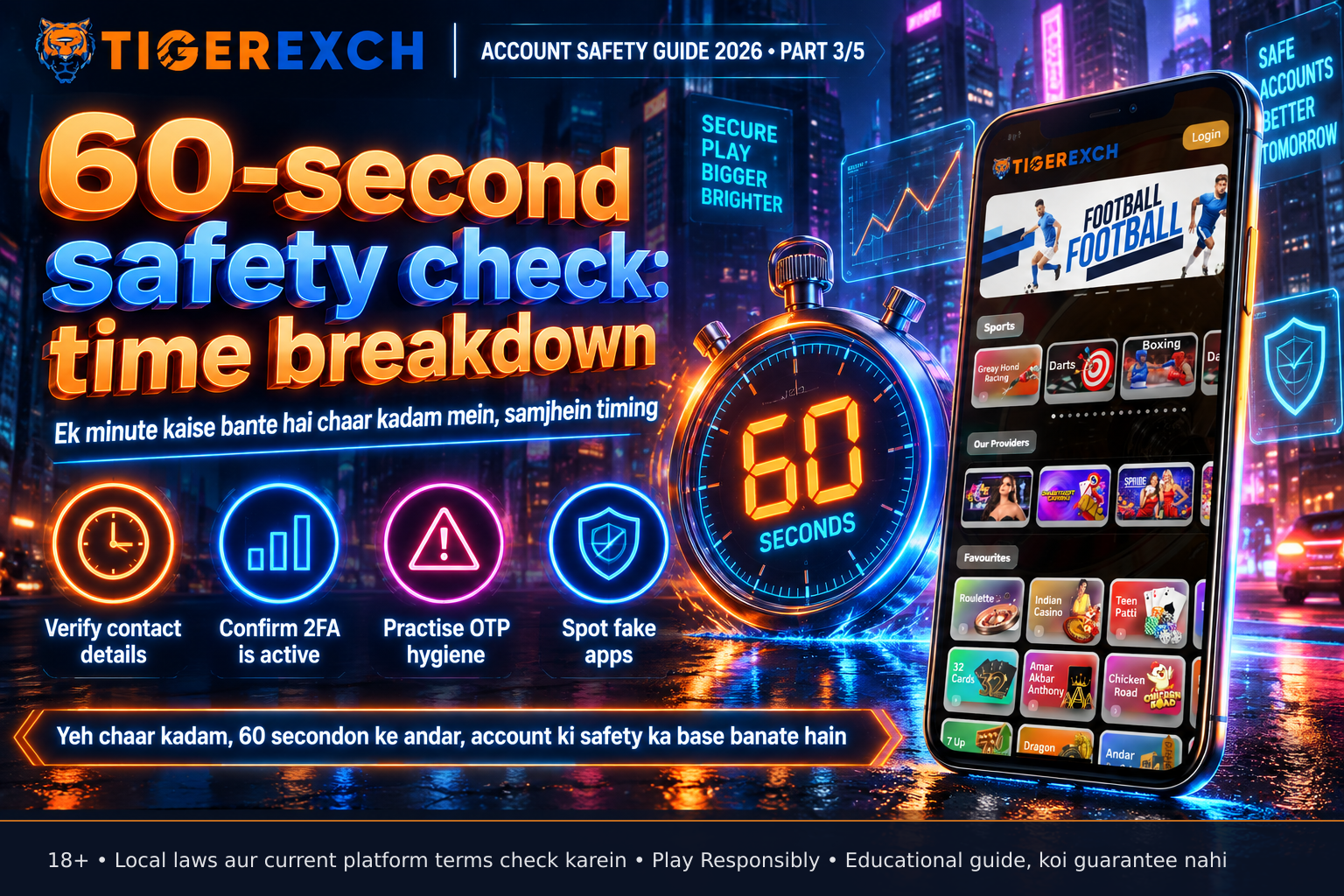
1. Verify your registered email and phone number
Open Tigerexch247 app, go to Account Settings, and check the email and phone number listed under Profile. Yeh woh contact details hain jo platform aapke account se jodti hai — login OTPs, withdrawal notifications, and security alerts yahan jaate hain. Agar number ya email badla hai (jaise SIM change karne ke baad), toh settings mein update karna zaroori hai, warna aap OTPs miss kar sakte hain. This step takes 10-15 seconds.
2. Confirm two-factor authentication (2FA) is active
In Security Settings, find the 2FA section. Yahan dikhna chahiye ki authenticator app (jaise Google Authenticator or Authy) linked hai aur time-based codes generate ho rahe hain. Agar 2FA band hai, toh immediately enable karo — yeh ek second layer add karta hai jisse password churane ke baad bhi attacker ko access milna mushkil ho jata hai. Testing with a live code takes another 10-15 seconds.
3. Practise OTP hygiene: never share, never reuse
OTP (One-Time Password) ek unique code hai jo sirf ek login attempt ke liye valid hai. Koi bhi legit support agent kabhi aapke phone, email, ya chat ke zariye OTP mango nahi ga. Agar koi aapse OTP mango ta hai — koi bhi reason deke — toh yeh ek scam hai. Phir bhi, aapko apne phone ya email pe aane wale OTP ko self-verify karna chahiye: code sahi hai ki nahi, timing sahi hai ki nahi. Yeh awareness ek second lagti hai lekin badi fark padti hai.
4. Spot fake apps: check source and permissions
Tigerexch247 app sirf official website (tigerexchdemo.com) ya verified app stores (Google Play Store, Apple App Store) se download karein. Third-party websites ya APK links jo “free bonus” ya “fast access” promise karte hain, adhoora code ya malware sambhal sakte hain. Install se pehle, developer name check karein — official Tigerexch247 hona chahiye. Permissions bhi dekhein: kya app unnecessarily contacts ya SMS access maang raha hai? Agar haan, toh uninstall karein aur official source se download karein. This visual check takes 15-20 seconds.
How the mechanisms actually work
Why verifying registered details prevents account takeover
When aap phone number change karte hain lekin Tigerexch247 settings mein update nahi karte, toh SIM swap scam ke dauran attacker aapke number pe OTP receive kar sakta hai — kyunki platform purana number pe bhejta hai. Registered detail verify karne se yeh gap band hota hai. Yeh ek database match hai: aapka input (number/email) server ke record ke saath compare hota hai. Agar match nahi, toh access blocked.
How 2FA stops attackers even with password
Password alone ek single point of failure hai. 2FA add karta hai time-based one-time password (TOTP) jo sirf 30 seconds ke liye valid hai aur aapke device par generate hota hai. Agar attacker password chur bhi leta hai, toh usko authenticator app se code lana padega — jo device-specific hai aur remote se access nahi kiya ja sakta. Isme server-side secret key aur client-side time sync ka use hota hai; nehi toh code validate nahi hota.
Why OTPs should never be shared
OTP generation algorithm (RFC 6238) ensures har code unique hai aur kisi bhi pichhle code se predict nahi kiya ja sakta. Leikin agar aap OTP share karte hain, toh uss 30-second window mein attacker uska use kar sakta hai — jaise login karne ya withdrawal authorize karne ke liye. Koi bhi legit process aapko OTP batane ke liye nahi manaati, kyunki yeh design ke khilaaf hai.
How official app stores reduce malware risk
Google Play Store aur Apple App Store automated scans chalati hain jo known malware signatures, excessive permissions, aur suspicious behaviour ko detect karti hain. Third-party APKs yahan se bachte hain, isliye unki safety guarantee nahi hai. Official store se download karne se certificate verification aur signature check hoti hai — jo confirm karti hai ki app kisi trusted entity (Tigerexch247) se hai aur tamper nahi kiya gaya.
Device and account security essentials
- Always use HTTPS: Tigerexch247 website URL shuru hona chahiye
https://ke saath — yeh encrypt karta hai data-in-transit (jaise login details, OTPs) - Enable 2FA via authenticator app, not SMS-only, kyunki SIM swap ke khilaaf authenticator app zyada resistant hai
- Never share your PIN, password, or OTP — not with friends, family, or someone claiming to be support
- Avoid unverified APKs or modded apps — they may log keystrokes or redirect payments
- Log out after session on shared devices, and clear cache periodically
Common mistakes to avoid
- Assuming “main toh kabhi scam nahin hoon” — attackers target complacency, not just naivety
- Delaying registered detail update after SIM or email change — creates a window for interception
- Using the same password across sites — if one leaks, attackers try it elsewhere
- Treating 2FA setup as “one and done” — periodically check authenticator app sync and backup codes
- Clicking “download now” links in unsolicited messages — always go to official website first
Pre-session safety checklist
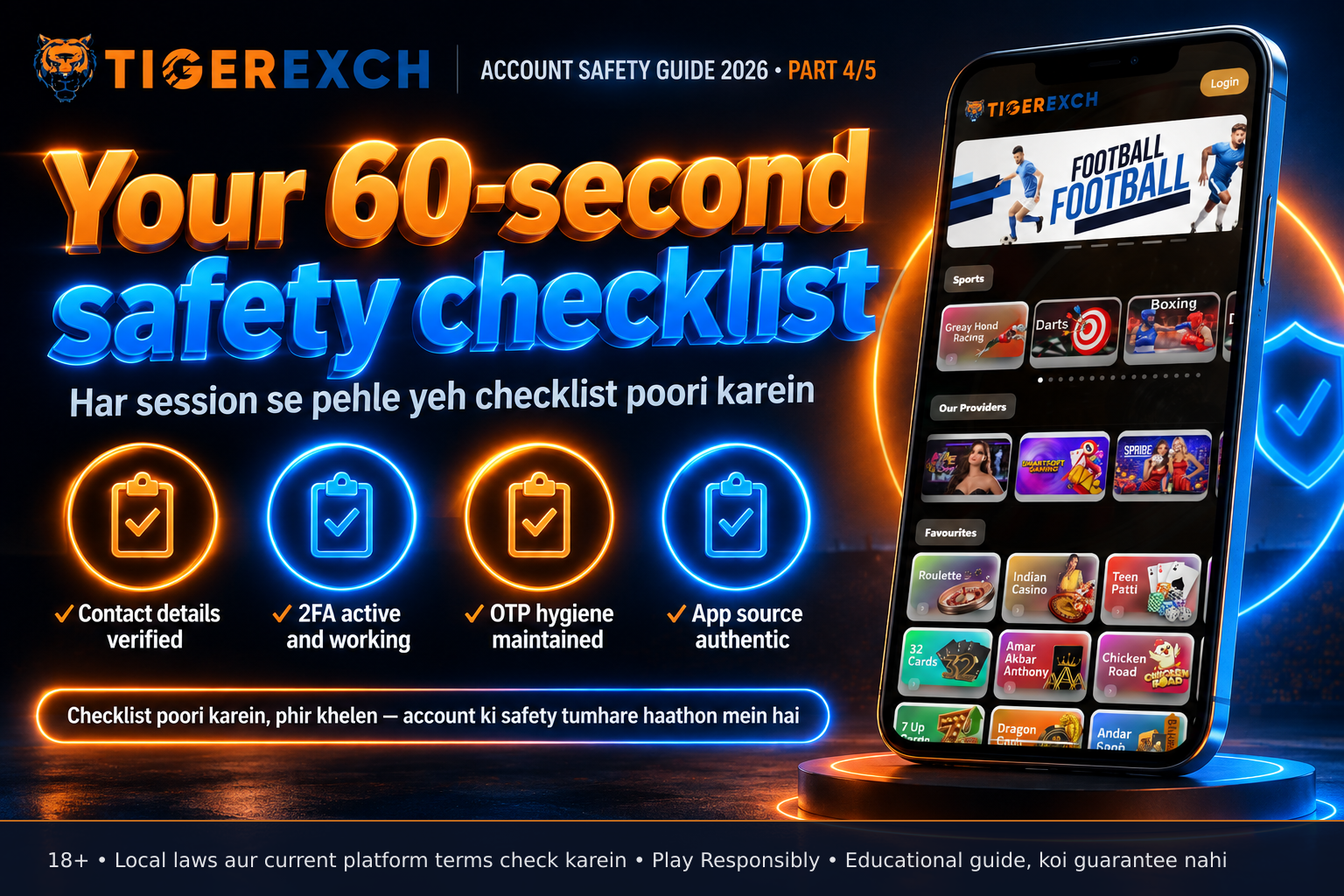
| Check | Status (✓/✗) |
|---|---|
| Registered email and phone verified in settings | [ ] |
| 2FA enabled and authenticator app working | [ ] |
| OTP never shared with anyone | [ ] |
| App downloaded from official website or verified store | [ ] |
| Using HTTPS connection (look for padlock icon) | [ ] |
| No shared OTP/PIN/password | [ ] |
Brand section
Tigerexch247 provides account security tools in the app under Settings > Security. Aap registered email/phone number update kar sakte hain, 2FA enable kar sakte hain (authenticator app support), aur login history dekh sakte hain. Processing time, withdrawal limits, aur bonus terms current platform terms par verify karein. Always check the official website for the most accurate, up-to-date information.
Call to action
Before your next Tigerexch247 session, take 60 seconds to run this safety check — make it a habit, not a hesitation.
FAQ
Kya 2FA enable karne se mera account 100% safe ho jata hai? Nahi, 2FA ek important layer add karta hai lekin koi bhi system 100% safe nahi hai. It reduces risk of unauthorized access significantly but does not eliminate threats like device malware or social engineering. Always combine it with other checks like verifying registered details and OTP hygiene.
Kisi ne mujhse OTP mango ta hai — kya mein usko de du? Kabhi nahi. Koi bhi legit Tigerexch247 employee ya support agent kabhi aapke phone, email, ya chat ke zariye OTP mango nahi ga. Agar koi mango ta hai, toh yeh ek clear scam signal hai — block karein aur official support channel se report karein.
Tigerexch247 app kaise jaanun ki woh fake nahi hai? Download app sirf tigerexchdemo.com ke official link se ya verified app stores (Google Play, Apple App Store) se karein. Third-party websites ya APK links se bachain, jinhein “free bonus” ya “fast access” ke naam par promote kiya jaata hai. Install se pehle developer name aur permissions check karein.
Mere phone number change ho gaya — kya mein Tigerexch247 settings mein update karna zaroori hai? Haan, zaroori hai. Agar aapka registered number update nahi hua, toh login OTPs purane number pe jayenge — jo ab aapke pas nahi ho sakta. Yeh withdrawal alerts aur security notices ke liye bhi galti ka reason ban sakta hai. Settings mein jaakar number update karein.
Authenticator app ke bina 2FA kaise enable karu? Tigerexch247 sirf authenticator app-based 2FA support karta hai (jaise Google Authenticator, Authy). SMS-only 2FA nahi diya jaata kyunki uska SIM swap attacks ke khilaaf zyada resistant nahi hai. App store se authenticator app download karein, fir Tigerexch247 security settings mein QR code scan karein.
Kya maanlishek rod par public Wi-Fi par Tigerexch247 use karna safe hai? Public Wi-Fi networks unencrypted ho sakte hain, jisse data-in-transit (jaise login credentials) intercept kiya ja sakta hai. Agar use karna padta hai, toh trusted VPN use karein jo traffic encrypt karta hai. Best practice hai private network ya mobile data use karna.
Mere account par kisi unauthorized login ki koshish hui — mein kya karu? Immediately apna password change karein (unique, strong password), 2FA status check karein, aur login history dekhein kis IP/se device se access kiya gaya. Tigerexch247 support ko report karein jaise ki suspicious activity.
Kya mein apna Tigerexch247 PIN ya password kisi trusted family member ko share kar sakta hoon? Kabhi nahi. PIN aur password ek personal security token hain jo share nahi kiye ja sakte, jaise ki ATM PIN. Sharing unse account security kaise bhi compromise ho sakta hai, aur koi bhi refund ya support guarantee nahi milta agar share kiya gaya credentials se loss hota hai.
Kitni baar mein apni registered email/phone number check karna chahiye? Har session se pehle ek quick check karna ideal hai, especially agar aapne recently device, SIM, ya email badla ho. Agar koi change nahi hua, toh haftai ya monthly review bhi kaam ki hai — lekin pre-session habit zyada effective hai.
Kya Tigerexch247 mere liye backup codes provide karta hai authenticator app ke liye? Haan, 2FA setup ke waqt Tigerexch247 ek set backup codes provide karta hai jo aapko secure jagah par likhna chahiye (jaise password manager ya physical safe). Ye codes sirf ek baar use kiye ja sakte hain aur tabaahi ki situation mein (jaise phone lost) account access wapas pane ke liye zaroori hain.
Public charging station (juice jacking) se mera account risk mein aa sakta hai? Juice jacking theoretically possible hai lekin rare hai. Risks reduce karne ke liye, apna charger use karein ya USB data blocker ka istemal karein. Public charging station se direct USB connection se bachain — bas charging-only cable ya power bank use karein.
Kya mein apni Tigerexch247 account security ko kisi third-party app se check karwa sakta hoon? Nahi, sirf Tigerexch247 official app ya website use karein. Third-party security checker apps jo “account safety score” ya “vulnerability scan” promise karte hain, malware ho sakte hain ya phishing attempt ho sakte hain. Official channel hi trusted hai.
Final takeaway
The 60-second account safety check isn’t about perfection — it’s about pausing to verify the basics: registered details, 2FA, OTP hygiene, and app authenticity. Yeh chhoti si habit aapke account ko common threats se bachati hai, aur vastu ki baat hai ki security ek process hai, ek event nahi. 18+, play responsibly, and always verify current terms on the official platform.
Sources: Tigerexch242 interface review (official app and website), authenticator app standards (RFC 6238), mobile security best practices (OWASP MASVS), app store security guidelines (Google Play Protect, Apple App Store Review). Note: This draft requires
creative {"series": "SITE GUIDE 2026 • PART 1", "headline": "The 60-second account safety check", "subheadline": "Verify details, 2FA, OTP hygiene, and spot fake apps before every session", "cards": [{"title": "Verify registered contact", "text": "Check email and phone in Account Settings before you play"}, {"title": "Enable and test 2FA", "text": "Use authenticator app, not SMS-only, and confirm codes generate"}, {"title": "Never share OTPs or PINs", "text": "Legit support will never ask for your one-time password or PIN"}, {"title": "Download only from official sources", "text": "Get the app from tigerexchdemo.com or verified app stores to avoid fakes"}, {"title": "Make it a pre-session habit", "text": "60 seconds of checks build lasting account security awareness"}], "example": "Example: Updating your number after SIM change prevents OTP interception", "warning": "ACCOUNT SHARING ≠ SAFE PLAY"}
Related reading
- 2026 The 60-Second Account Safety Check (1xbetfaircustomercare.com)
- Anant Chaturdashi 2026: Account aur Budget Check — Festival Khatam Hone Se Pehle Kya Karein (1xbetfair.com)
- Anant Chaturdashi 2026: Account aur Budget Check — Festival Khatam Hone Se Pehle Kya Karein (1xbetfaircustomercare.com)
- Anant Chaturdashi 2026: Account aur Budget Check Guide (laser247demo.com)
Visit the official Tigerexch247 site: tigerexchange247.co. 18+ only. Please play responsibly.